Opening messages
- new Write up to three opening messages per chat link, delivered as yours the moment someone opens the link: a short typing pause, then your messages, then they reply. Configure them on each link's Appearance page; the starter chips step aside when you do.
Every new conversation used to start in silence: someone opens your link, types a nickname, and then stares at an empty chat until you notice the message. Opening messages flip that. You write up to three short messages per link, and the moment someone opens it, the conversation starts with those messages from you.
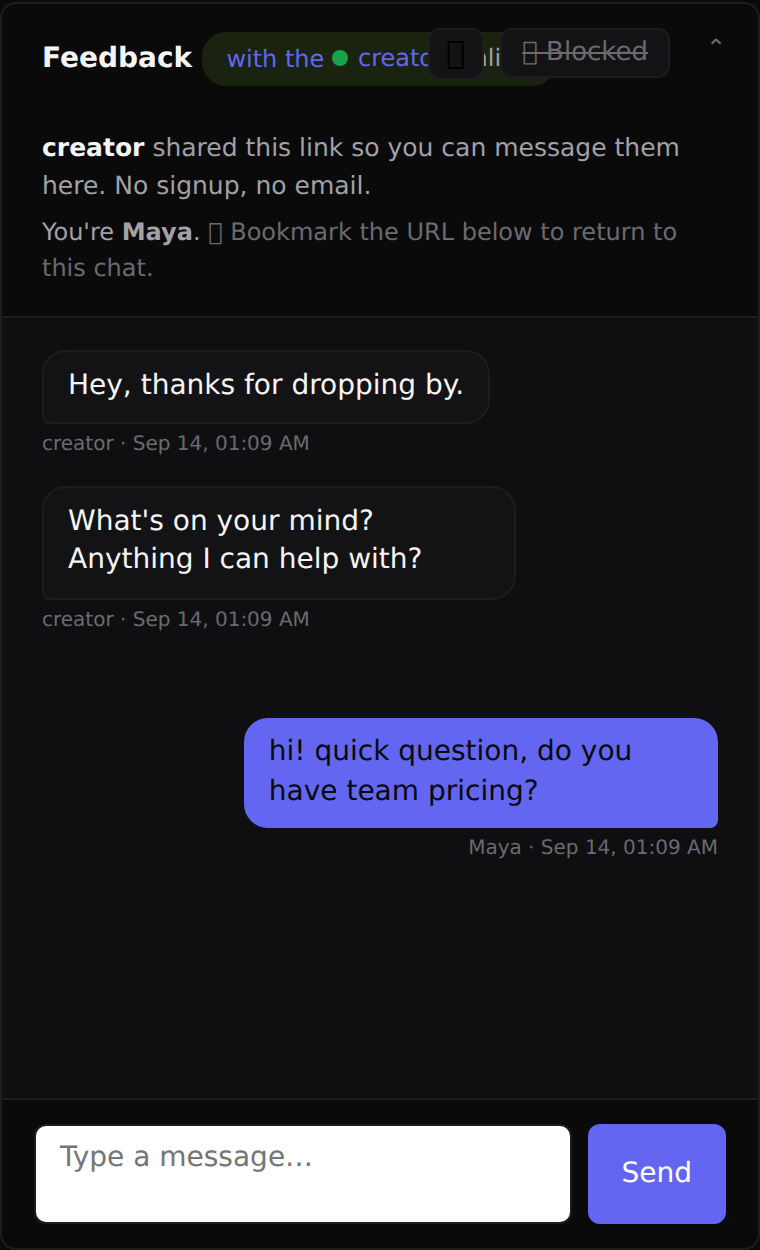
On their side it feels alive: a brief pause with a typing indicator, your first message, a beat, then the next. If they start typing while that plays out, the rest appears immediately; nothing ever gets in the way of replying. The tappable starter chips ("Just saying hi") step aside on links that have opening messages, since your opener does that job now.
You set them on each link's Appearance page, under "Opening messages": one per line, up to three, with a toggle to pause delivery without losing what you wrote. The live preview beside the form shows how the chat will open.
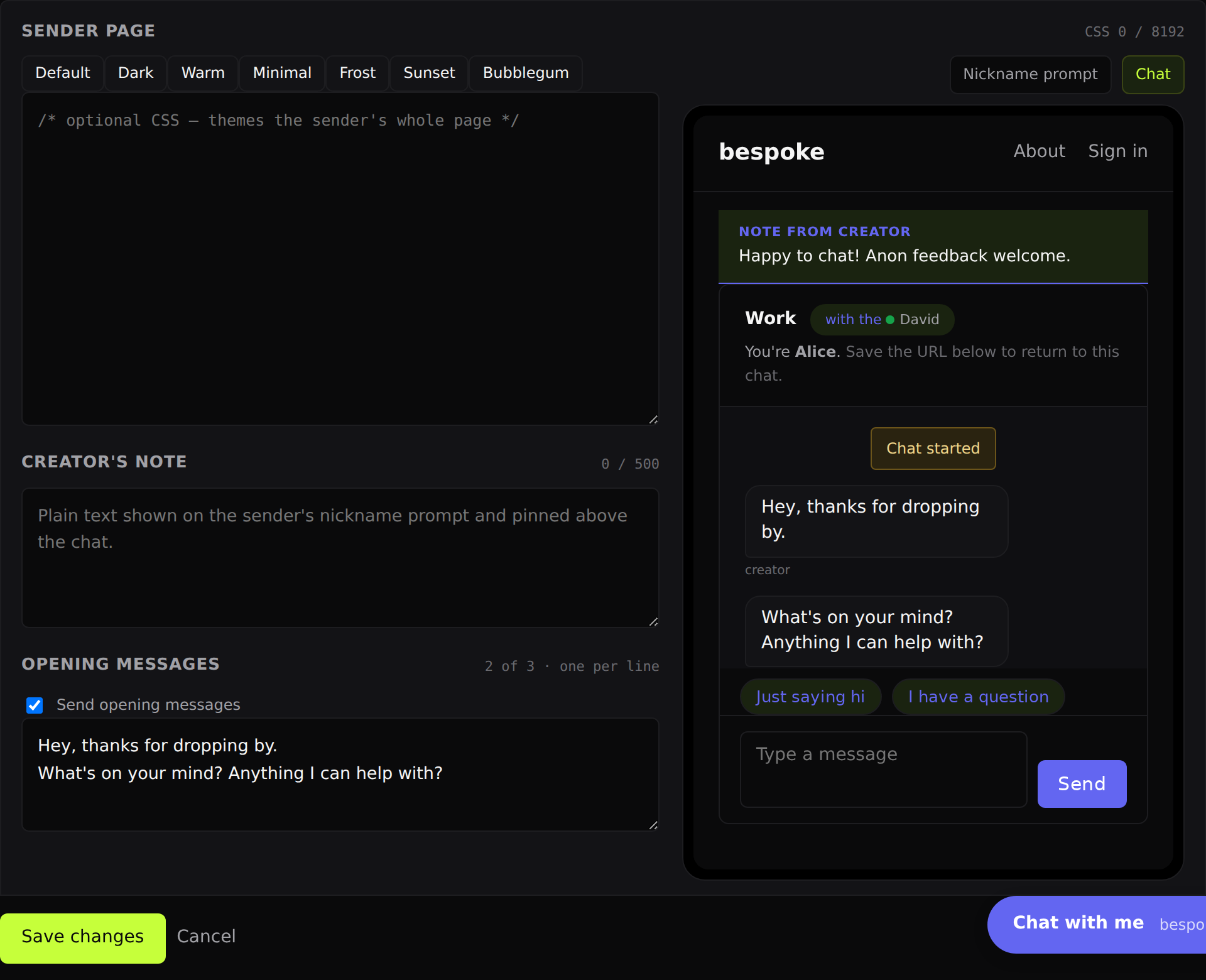
They arrive in your inbox like messages you sent, so the transcript reads correctly from the very first line, and they're kept for the whole life of the conversation like any other message.
← All changes